No-code enterprise Webview builder
60+ config engineers were losing their place every time they edited a component. The screen builder and the component editor were completely separate. With this redeisgn, productivity increases by 30%.
Process:
Usability Testing
Competitor analysis
UX Design
UI Design
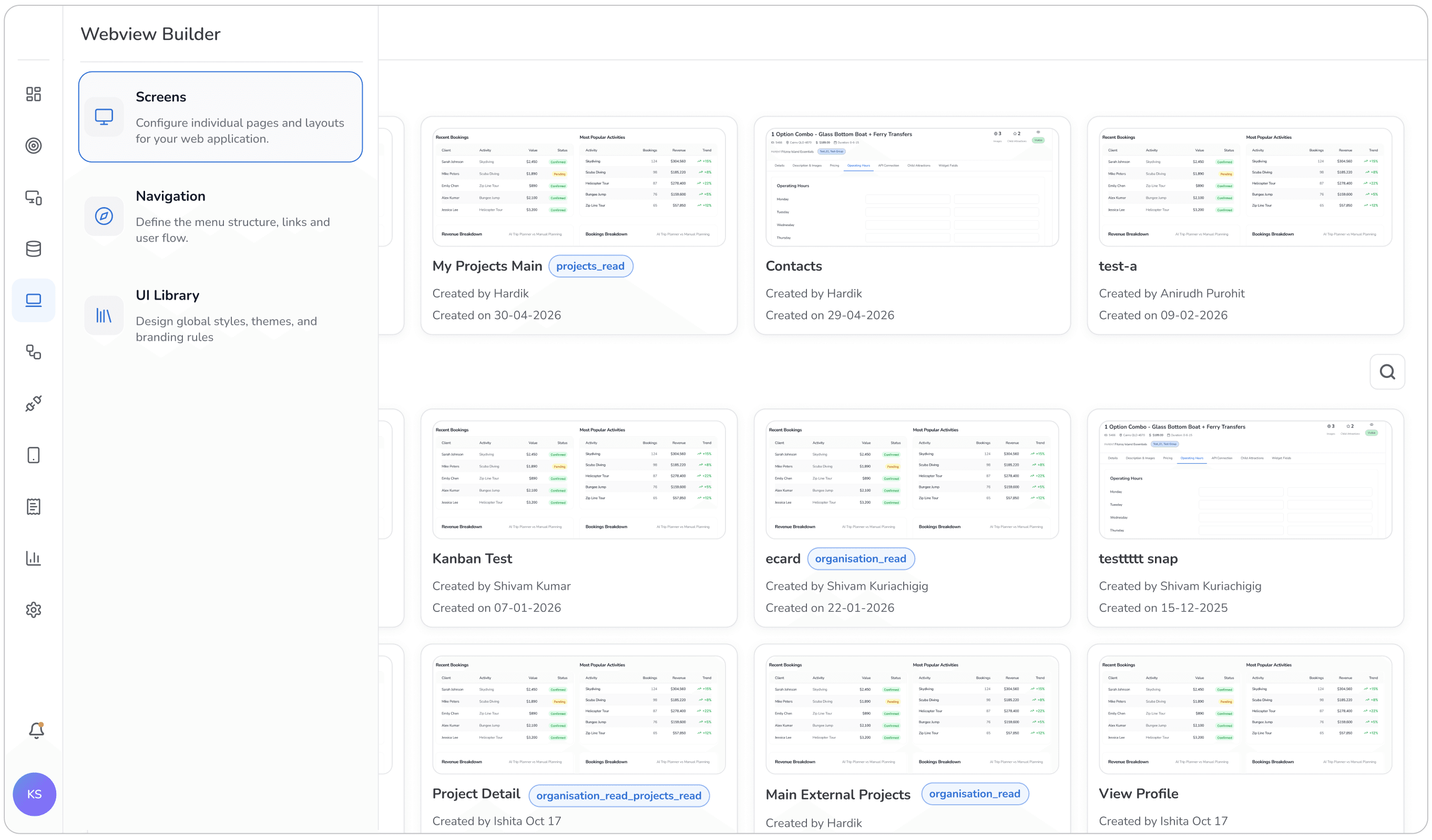
The product is a no-code enterprise platform builder. Businesses use it to create custom-grade digital products — from CRM systems and vendor management tools to investment platforms — without writing code. The Webview Builder is where configuration engineers assemble these screens.
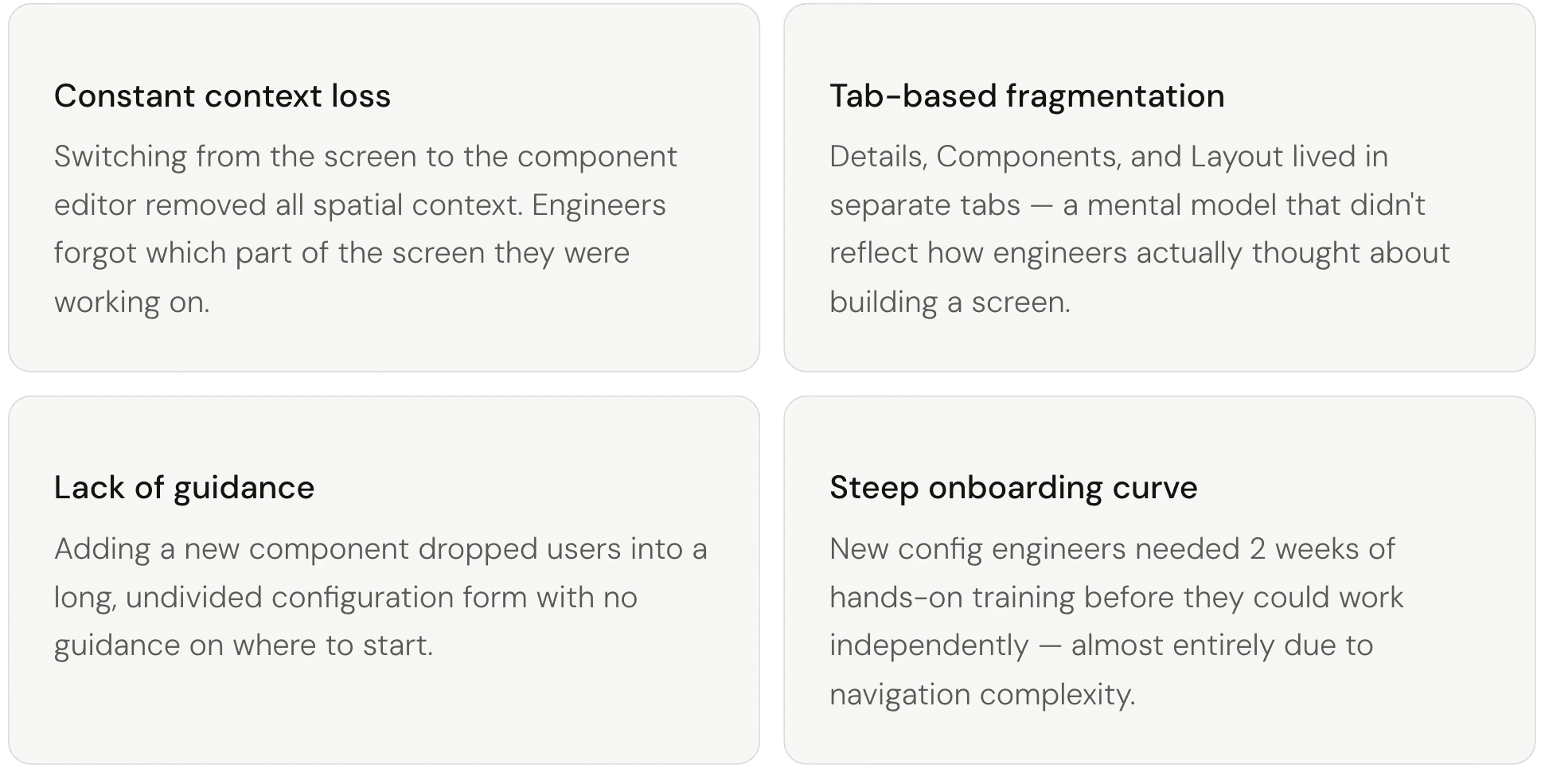
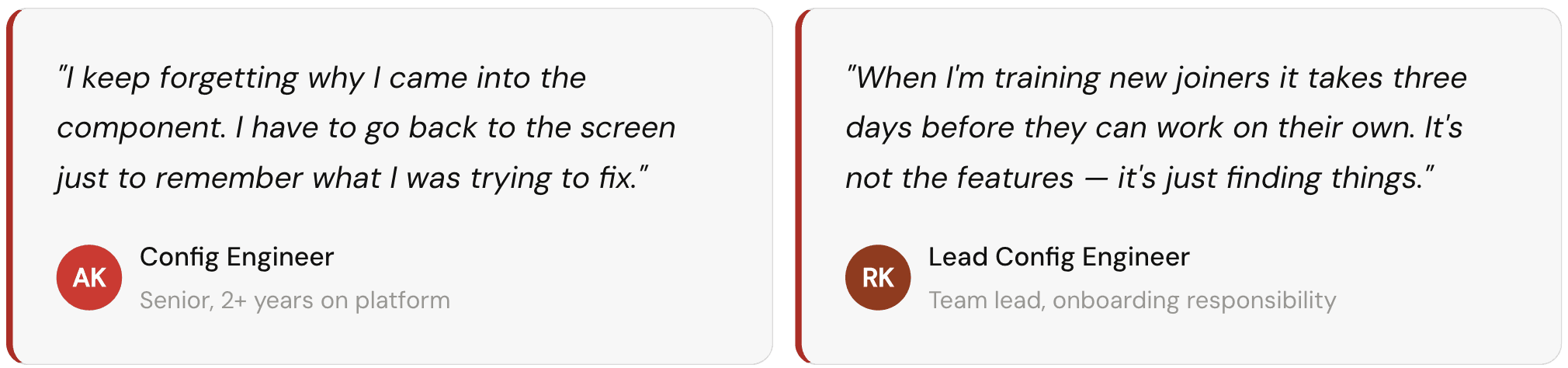
Problems
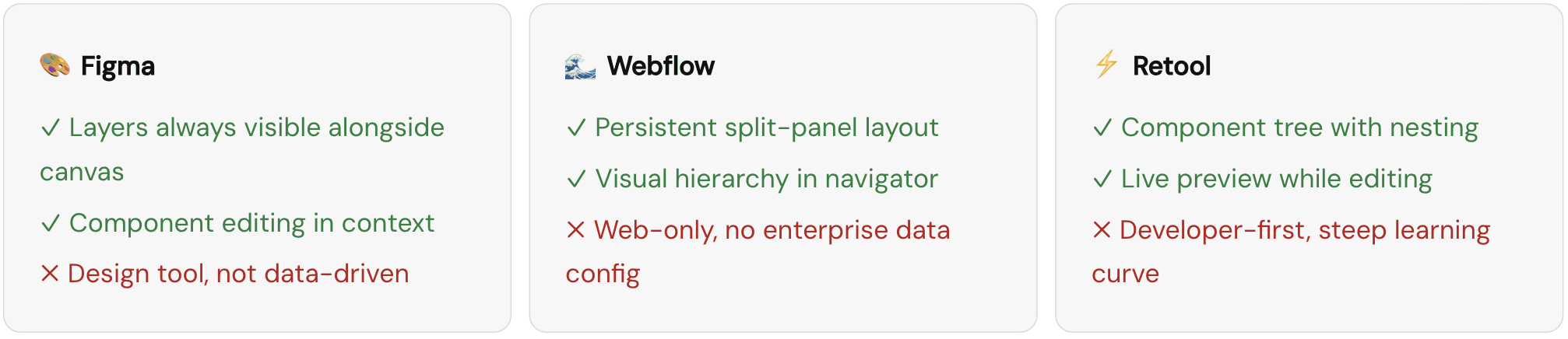
Competitive Insights
Before designing anything, I looked at how leading no-code and design tools handled the relationship between a canvas and component editing. The pattern was consistent — split panels, not tabs.
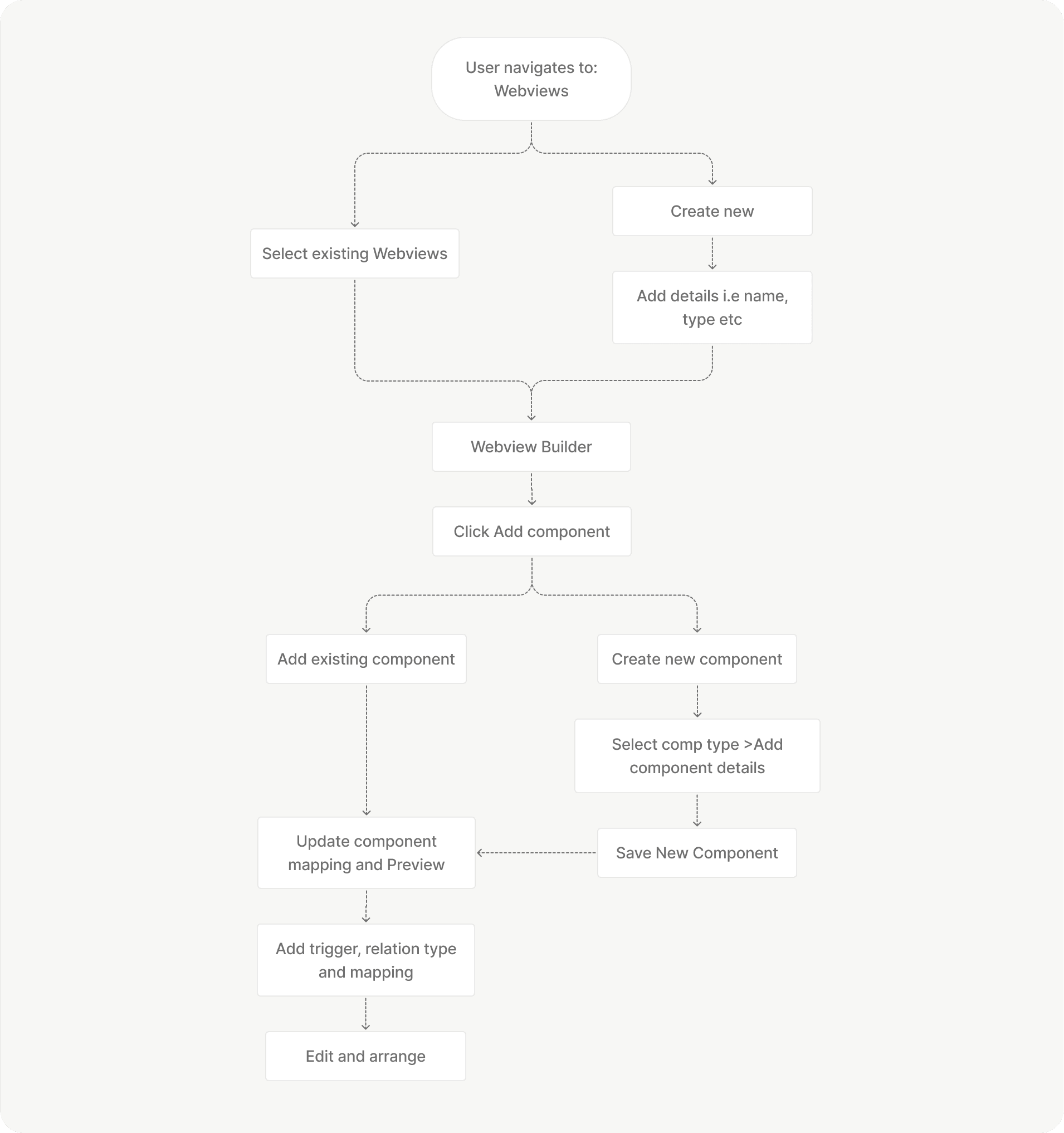
Simplified User flow
Solutions
The redesign wasn't about visual polish. Each change targeted a specific structural failure in the original experience — and every decision was grounded in established UX principles.
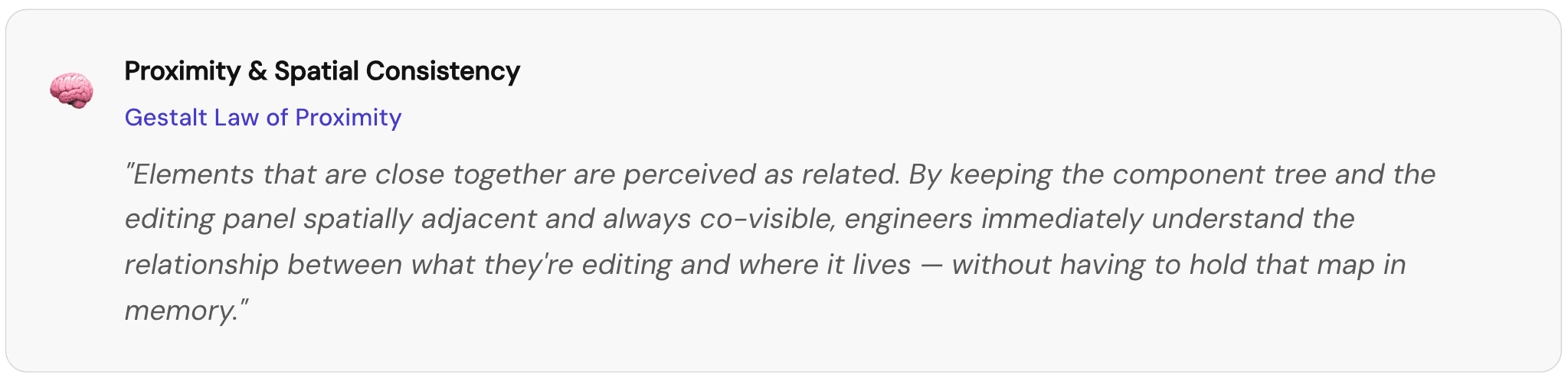
Unified Split-Panel Layout
Replaced tab-based navigation with a persistent two-panel layout — component tree on the left, editing context on the right. Engineers never leave the screen. The component they're editing is always visually anchored within the live layout.


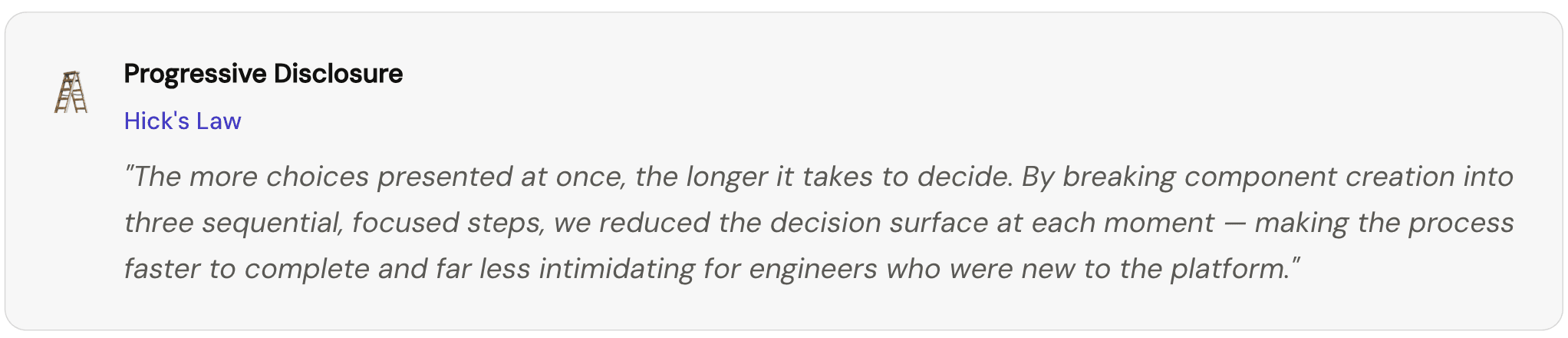
Step-by-Step Component Creation Wizard
Adding a new component previously dropped engineers into a single long configuration form — all at once, no guidance. The redesigned flow breaks this into three focused steps: choose type (with visual thumbnails), name it and select a data source, then review and save. Each step is completable without knowing what comes next.


Actions Moved Behind a Toolbar Button
Previously, all component actions — Header Actions, Record Actions, Bulk Actions — were stacked as one long list beneath the configuration form. They were always visible, adding visual noise even when irrelevant. The redesign moves them behind a single "Manage Actions" button in the toolbar. Clicking it opens a clean tabbed panel, revealing only what you need when you need it.


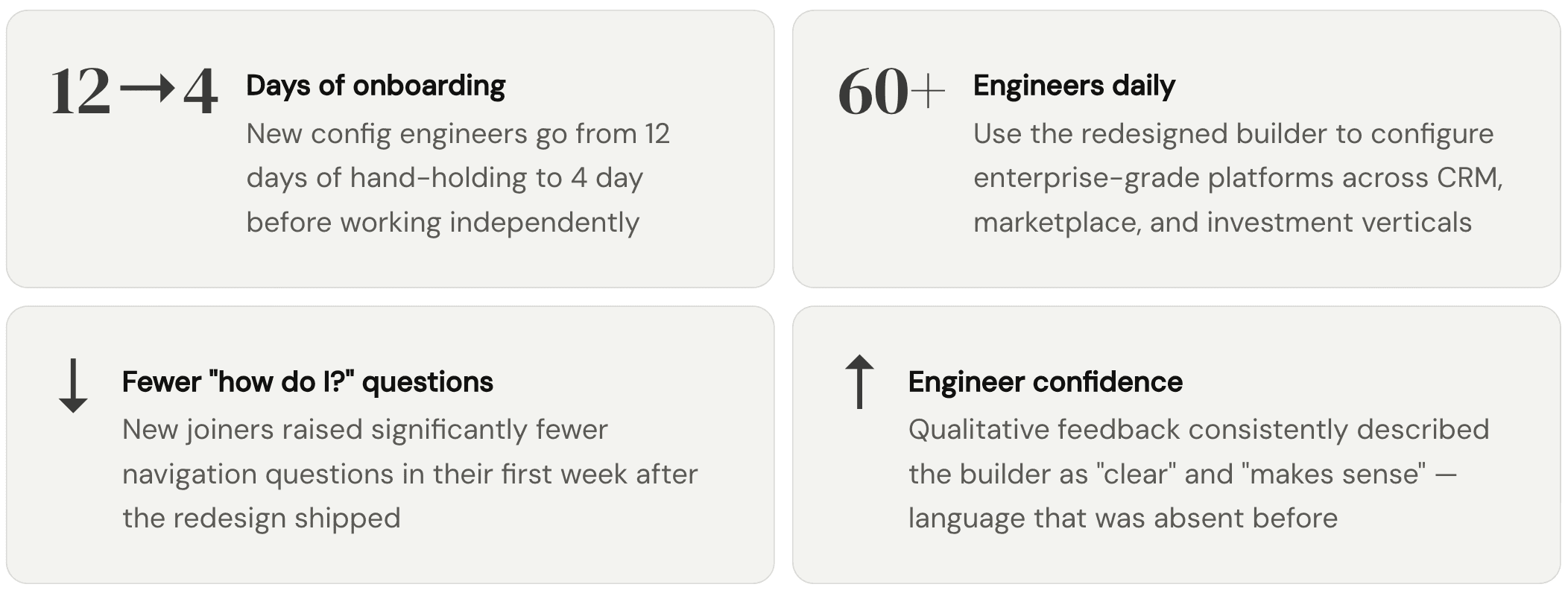
Results and Impacts